Me and a few friends got Evochron Mercenary recently and have been having fun playing on a play at the same time as host multiplayer game.
I decided that I would make a permanent private dedicated server last night but I ran into some issues I would like some assistance on! We are all Australians so the option could be for other aussies to play as well (if my connection can handle it
 ) if my problem is worked out!
Essentially, I have two computers, Computer A and Computer B.
Computer A is my main desktop and runs a steam version of Evochron Mercenary
Computer B is my 'server' and runs a 2D dedicated version of Evochron Mercenary
Both computer A and B run Windows 7 (B used to be dedicated to Ubuntu but thats another story!)
Both are easily able to run the game, but computer B does not have 3D capability, so runs the dedicated server software in 2D mode.
Computer A and B are on the same local network, connected to the same router and use the same internet.
Computer A and B can talk to each other on the local network with no problems and I have never had the issue I will discuss below in hosting any other dedicated server games.
I aim to run this dedicated server so my friends (who are using their own computers/internet) can connect over the internet using direct IP. But Computer A also needs to connect to this dedicated server.
Port forwarding has been setup to point to the server's IP address.
Okay now with the basics out of the way, the problem I'm having!
I am running the newest version of the dedicated server and have modified the .dat file with the relevant settings. This has allowed the first friend to connect using my internet IP (while we were testing).
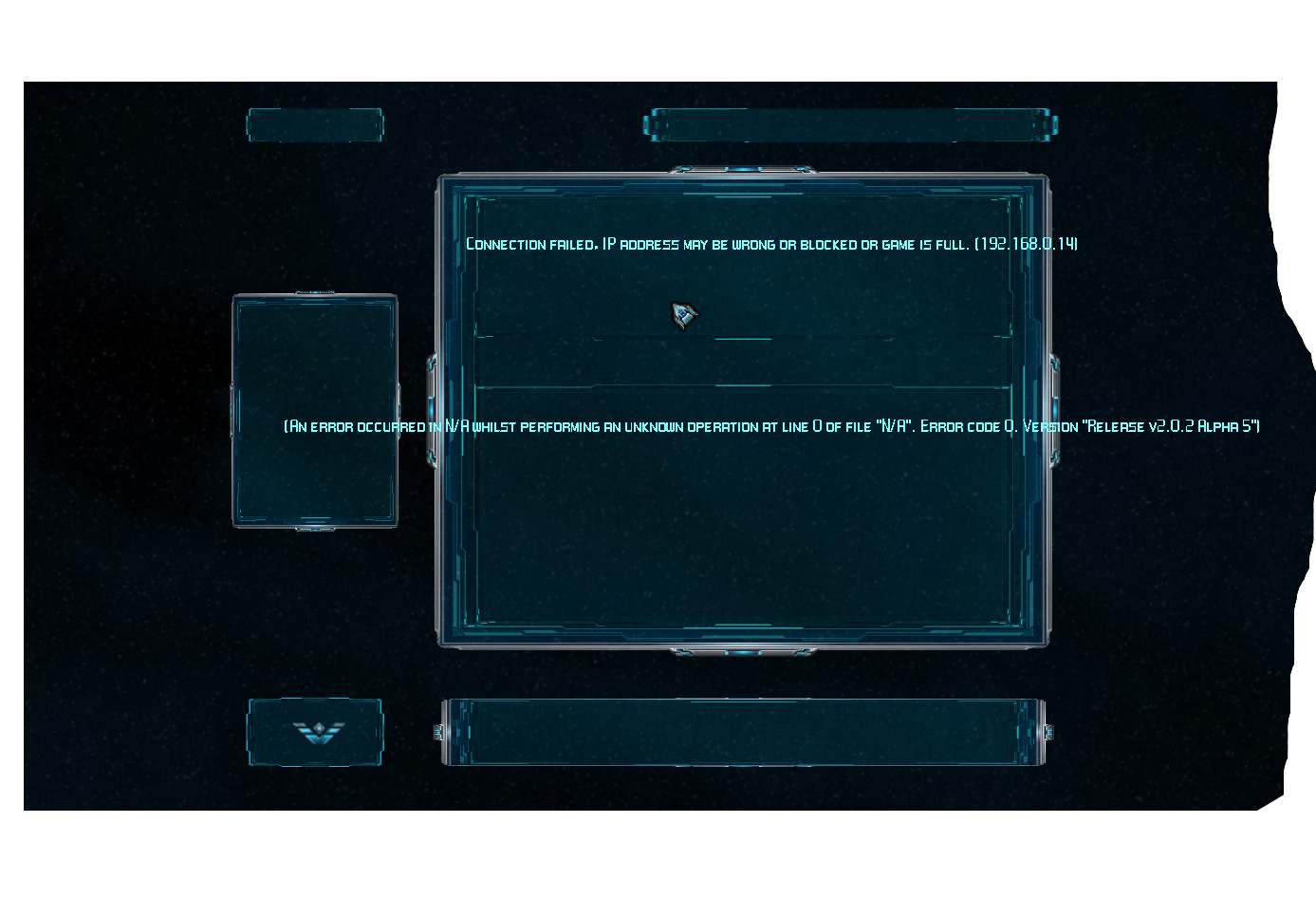
The problem I'm experiencing is, Computer A cannot connect to this dedicated server when I try to connect to my 'internet ip' it says either full or no game on this IP - but has no problems connecting to its local IP address.
If a friend is connected to the server over the internet and I try to connect to the local IP address of the server, it will 'connect' and crash the program (loses responsiveness and will freeze) - understandable, only game I can think of that I have hosted that will allow both internet and LAN players at the same time is Minecraft.
I have tried unsuccessfully using Hamachi to 'trick' both A and B into thinking all the players are local to get around the either internet players or LAN players, not both situation, but hamachi didnt work.
So my question to you all brilliant fine people is, how can I get Computer A, to connect to its 'own' internet IP and join Computer B's dedicated server game? (as obviously both Computer A and B share the same internet IP, as using the same internet) or alternatively, how can I allow the dedicated server game to allow both local AND internet players at the same time.
Games such as Arma II, allowed me to connect Computer A to Computer B over the internet, so I have a feeling its something dependent to the game, or there is something funky with the port forwarding requirements, although you mention there is only the 2 that need to be forwarded.
Is it possible to nominate a port when joining a server? I have had problems in the past where including the port number (ie connect 200.30.40.123:1234 has let a client connect) where as trying the IP address without the port, did not work.
Thoughts?
Alex